About the game
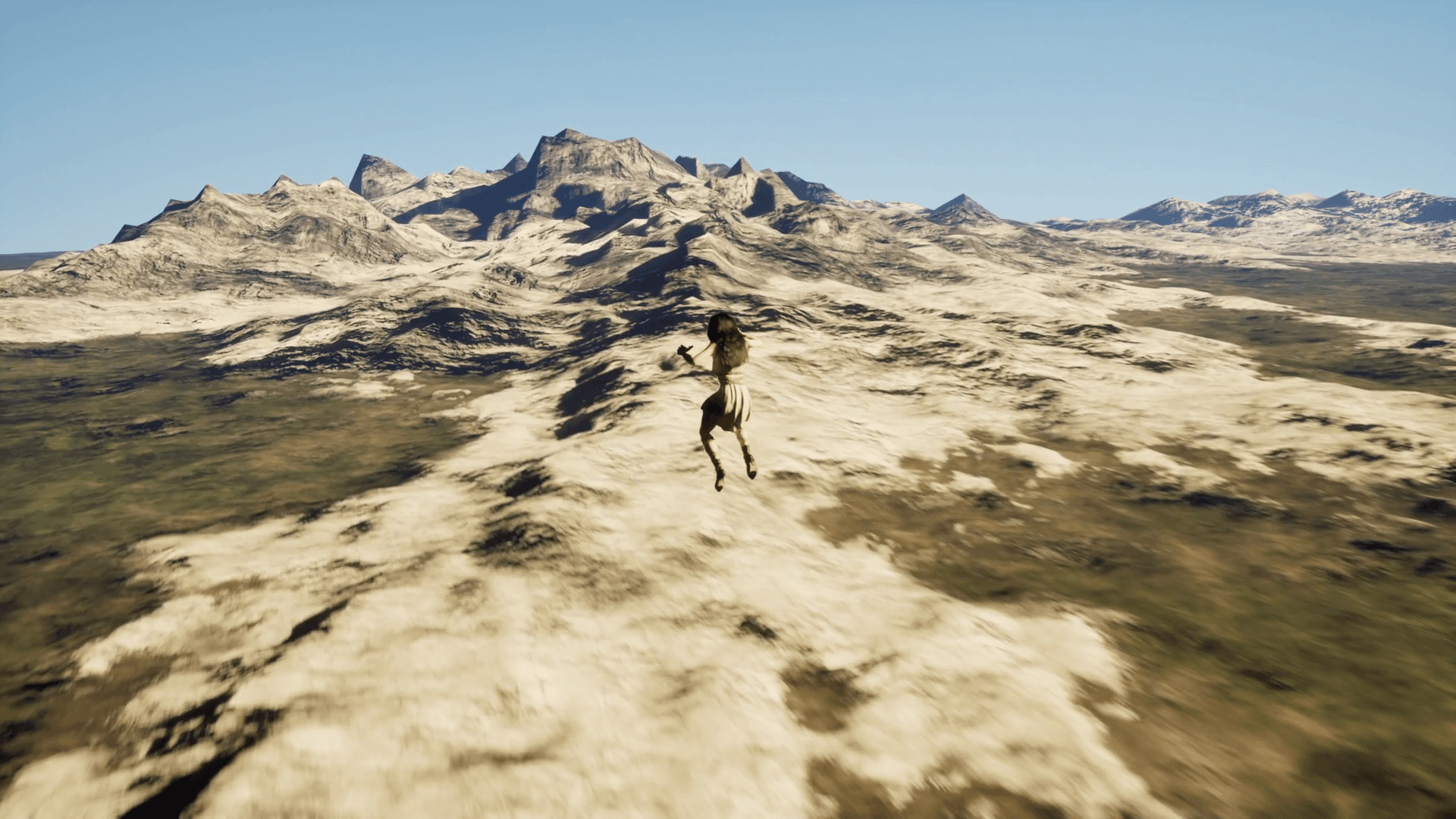
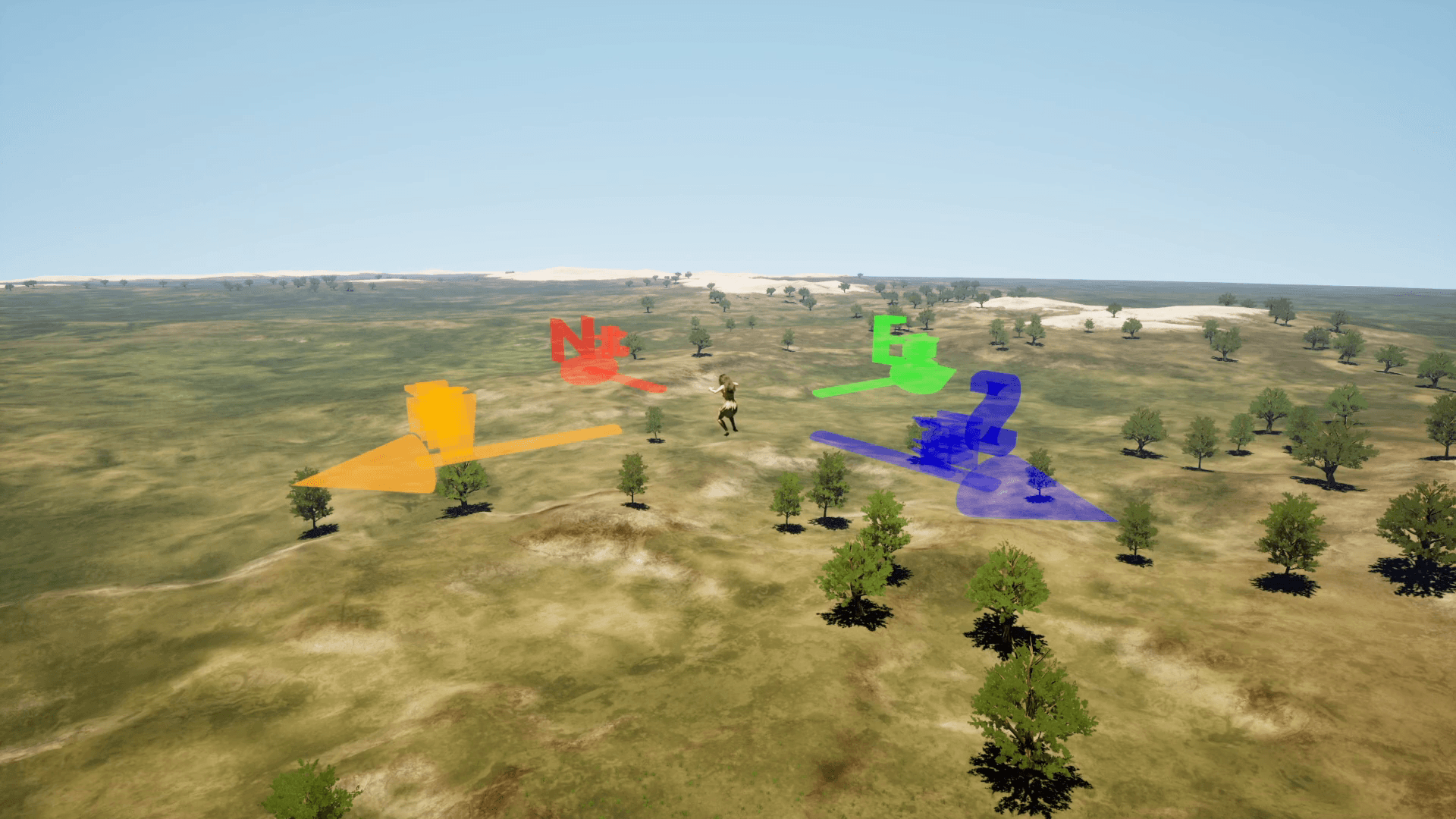
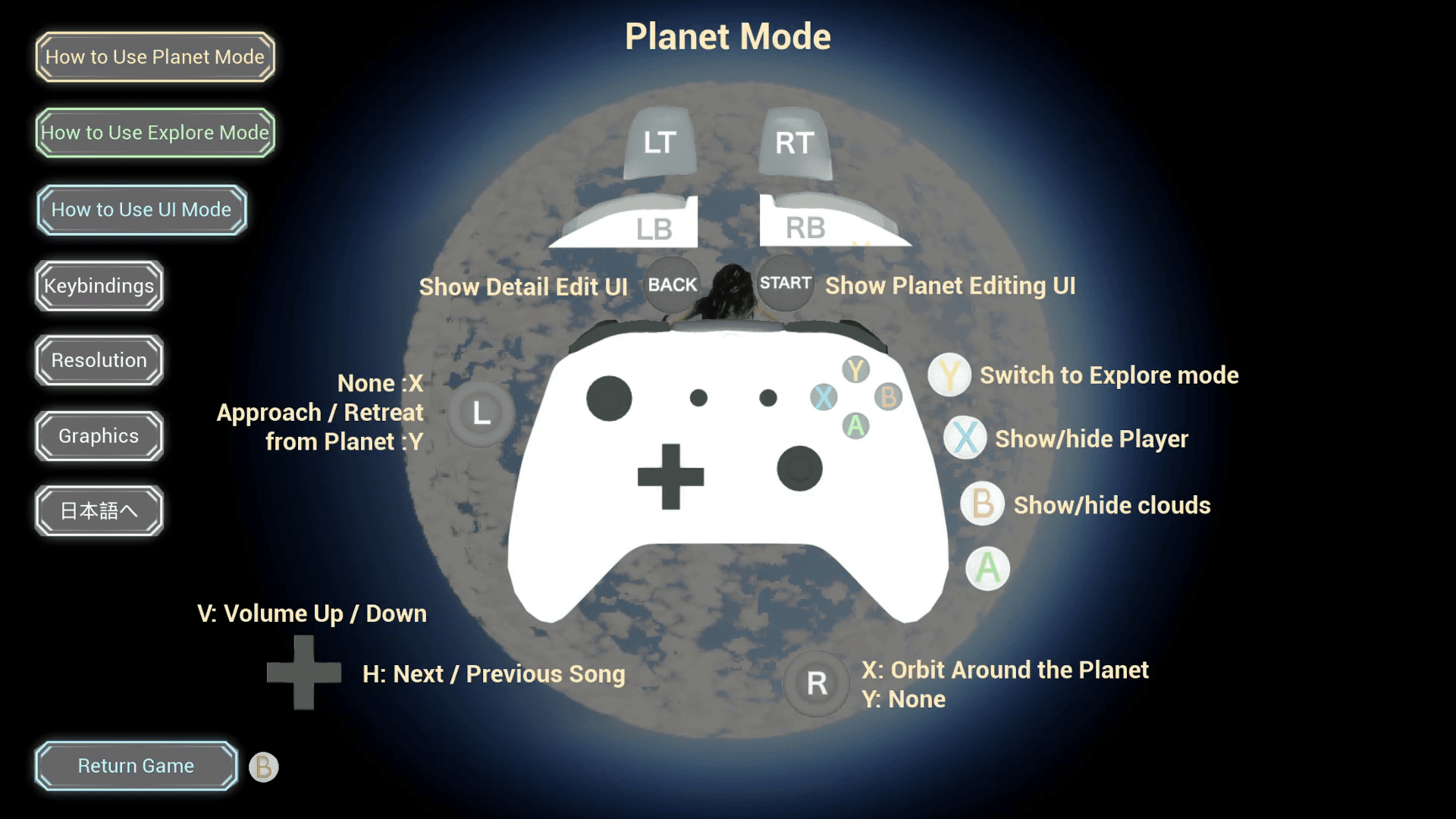
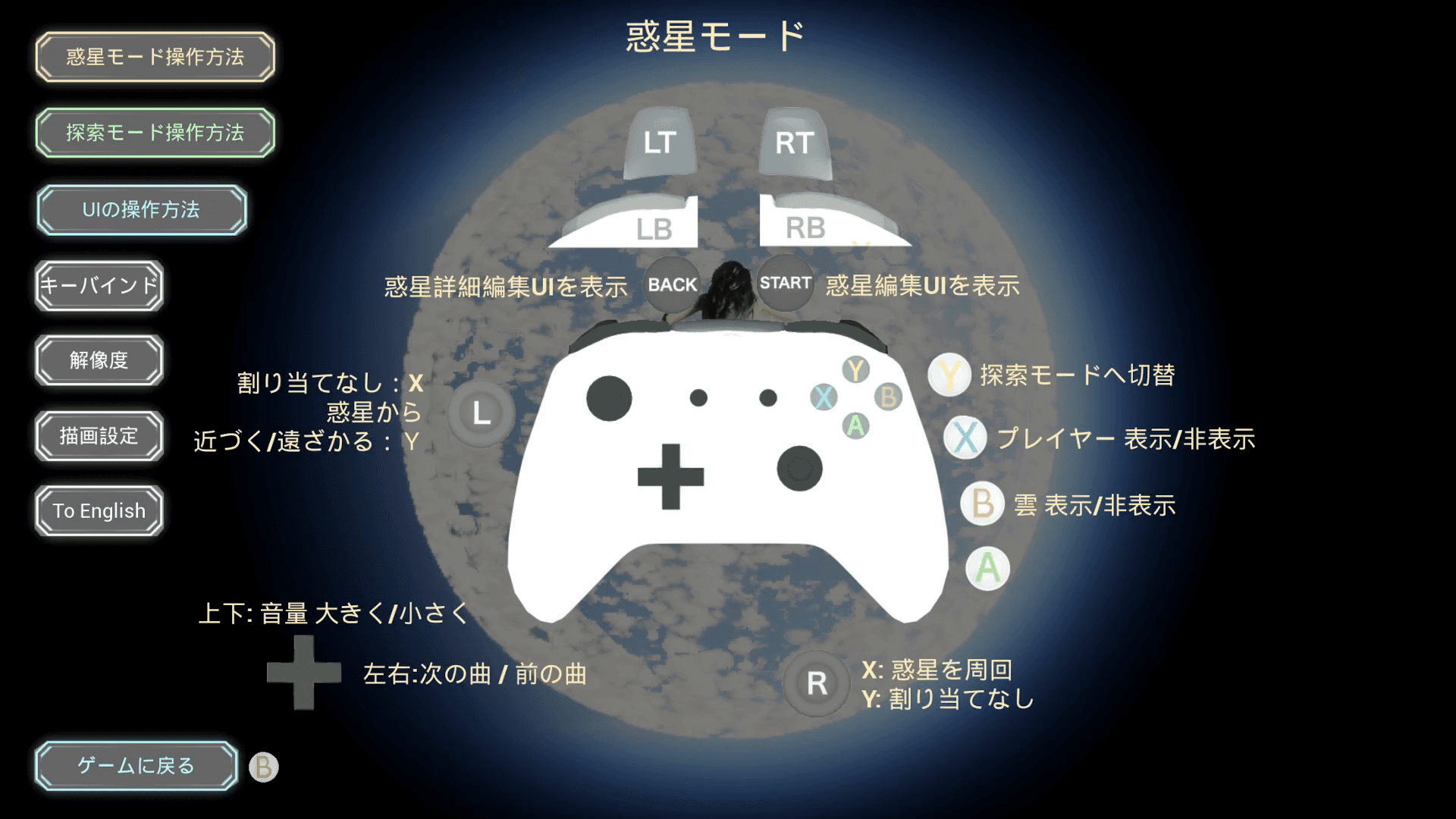
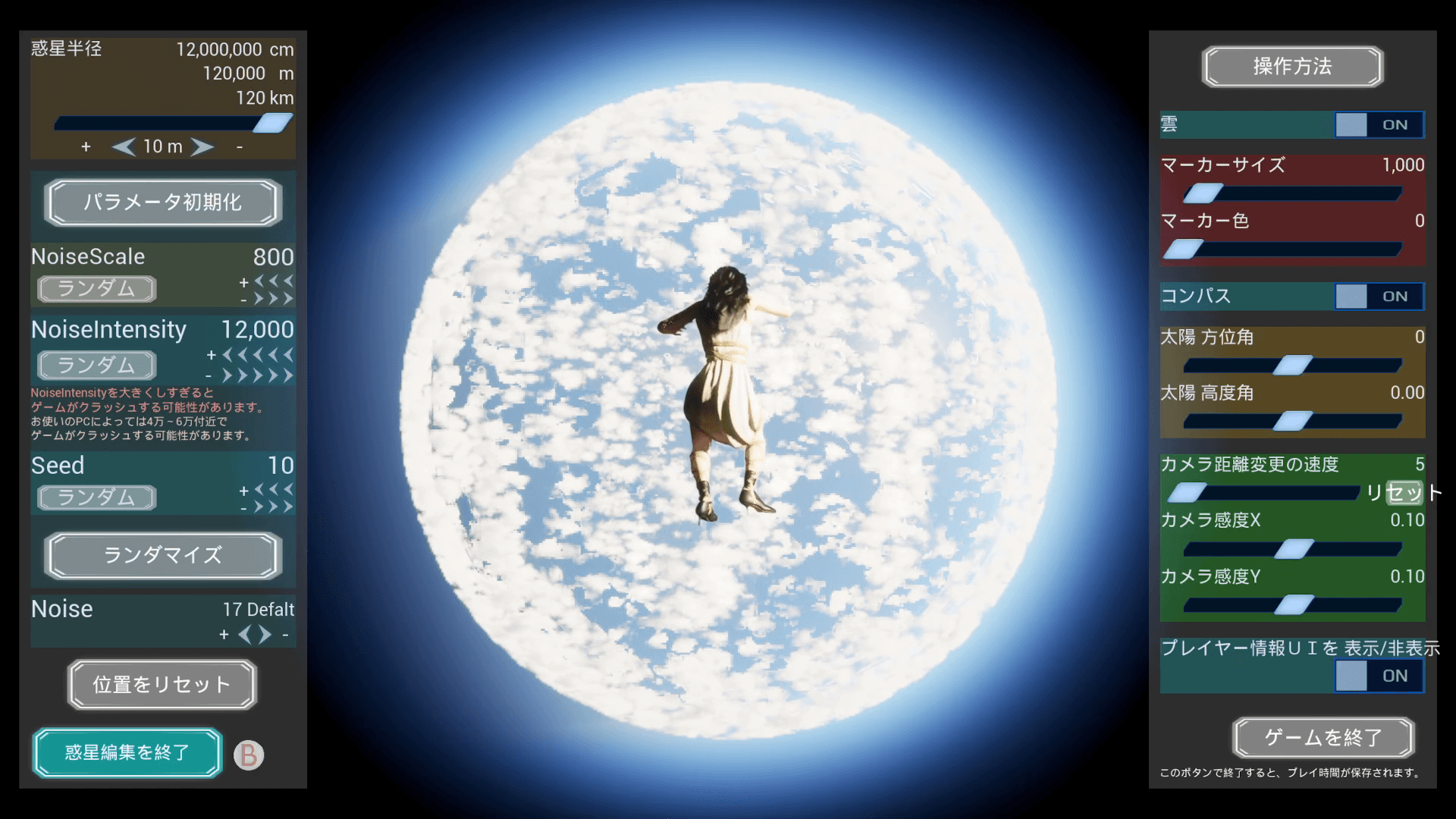
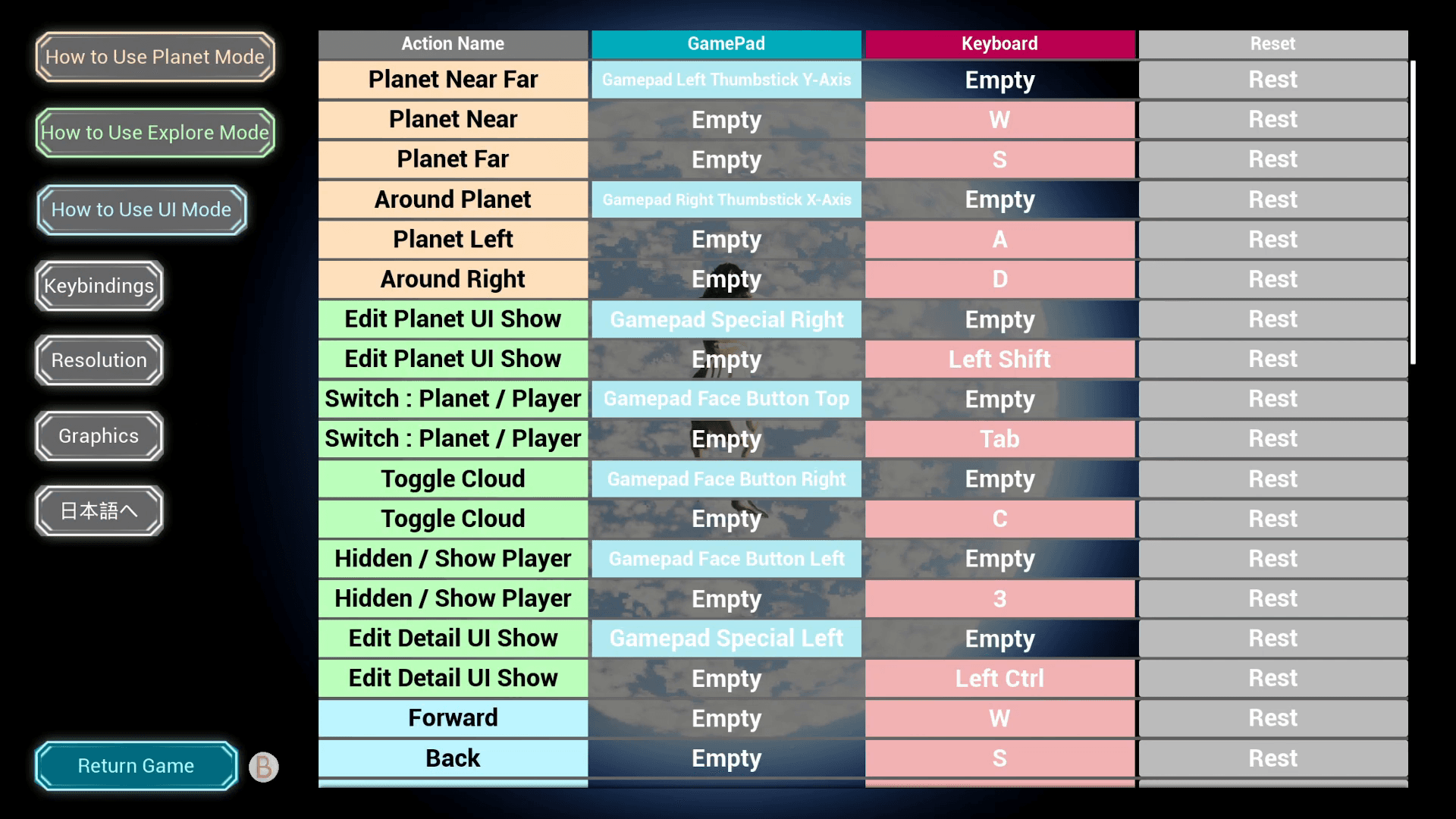
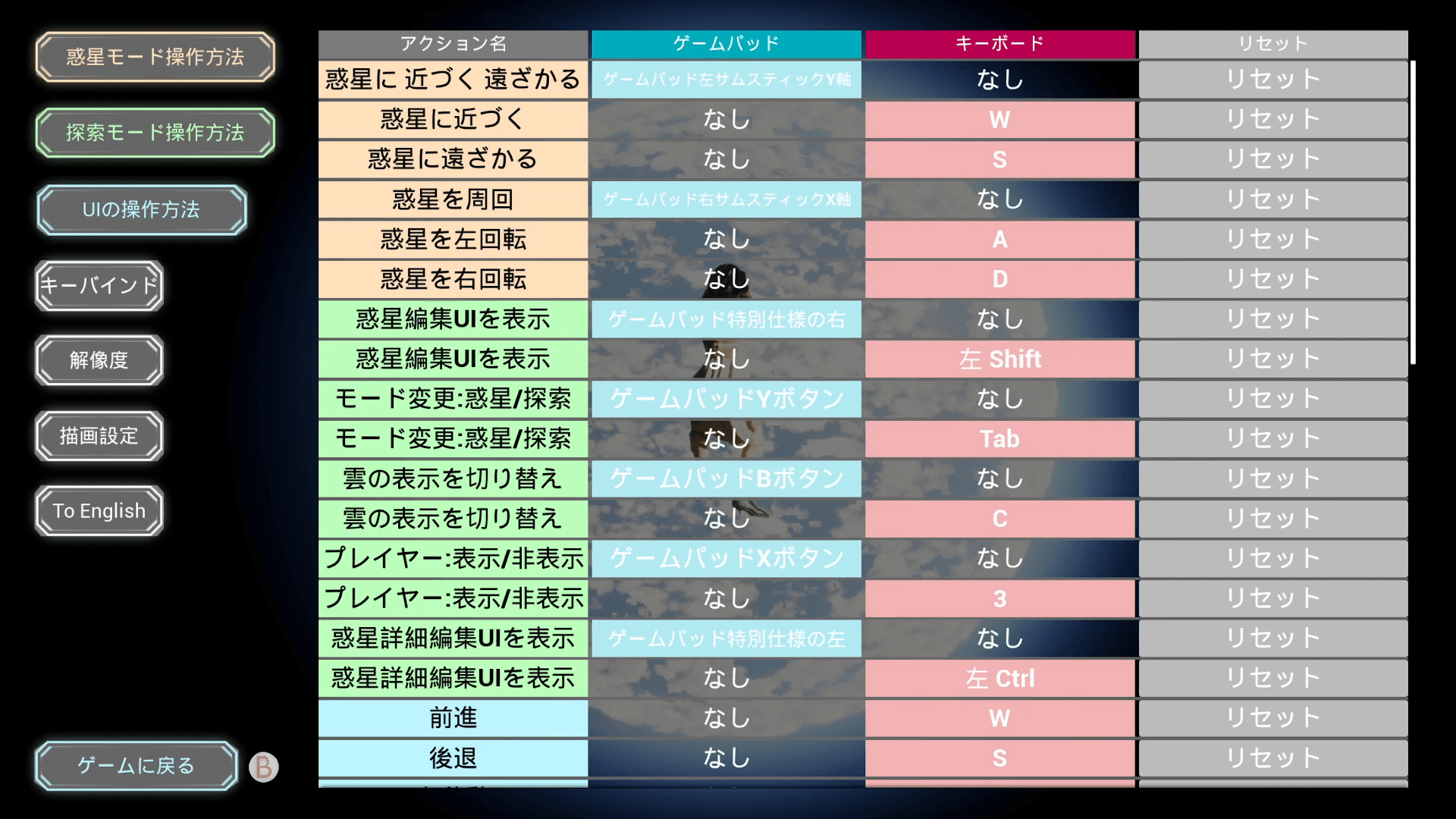
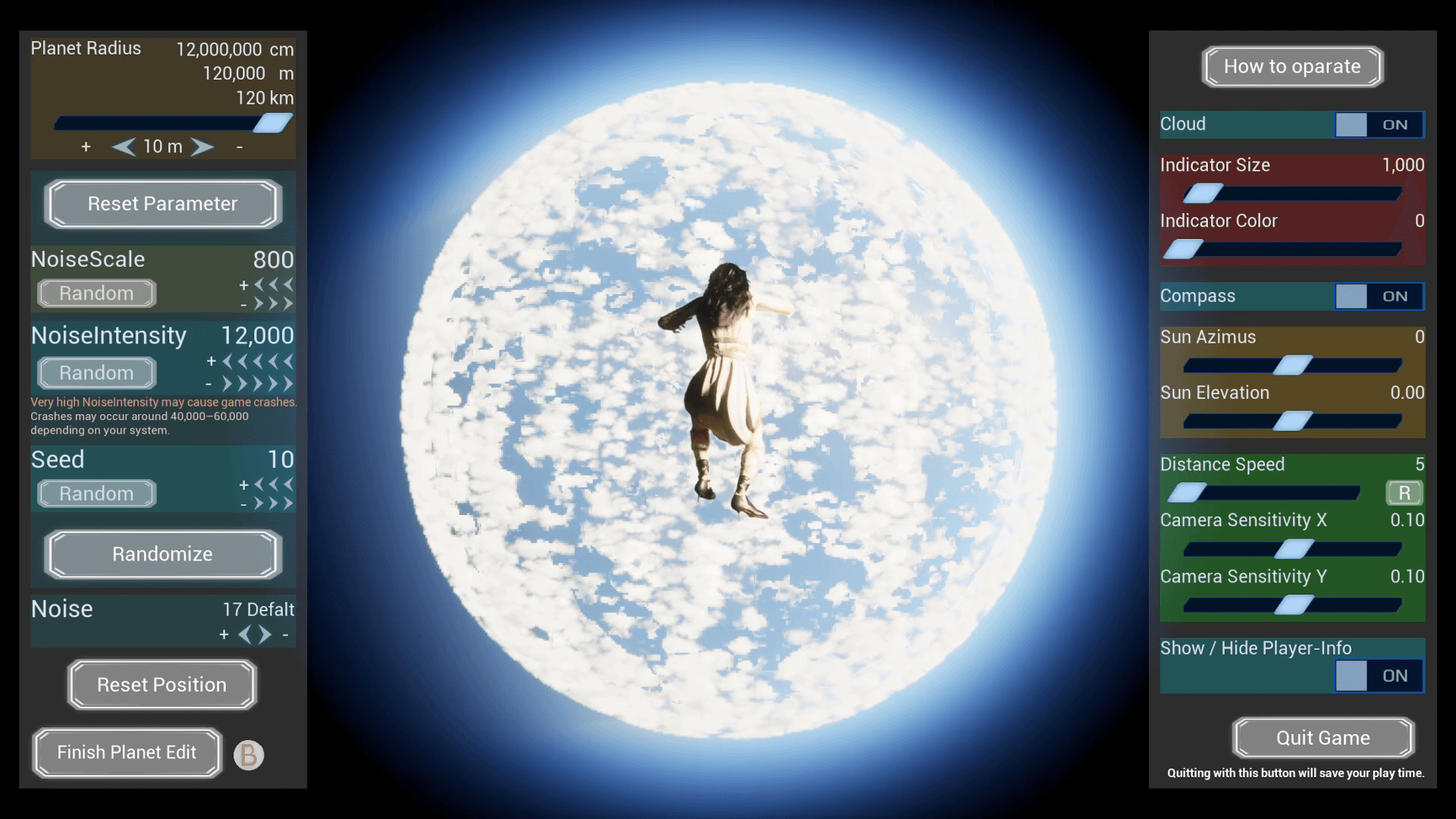
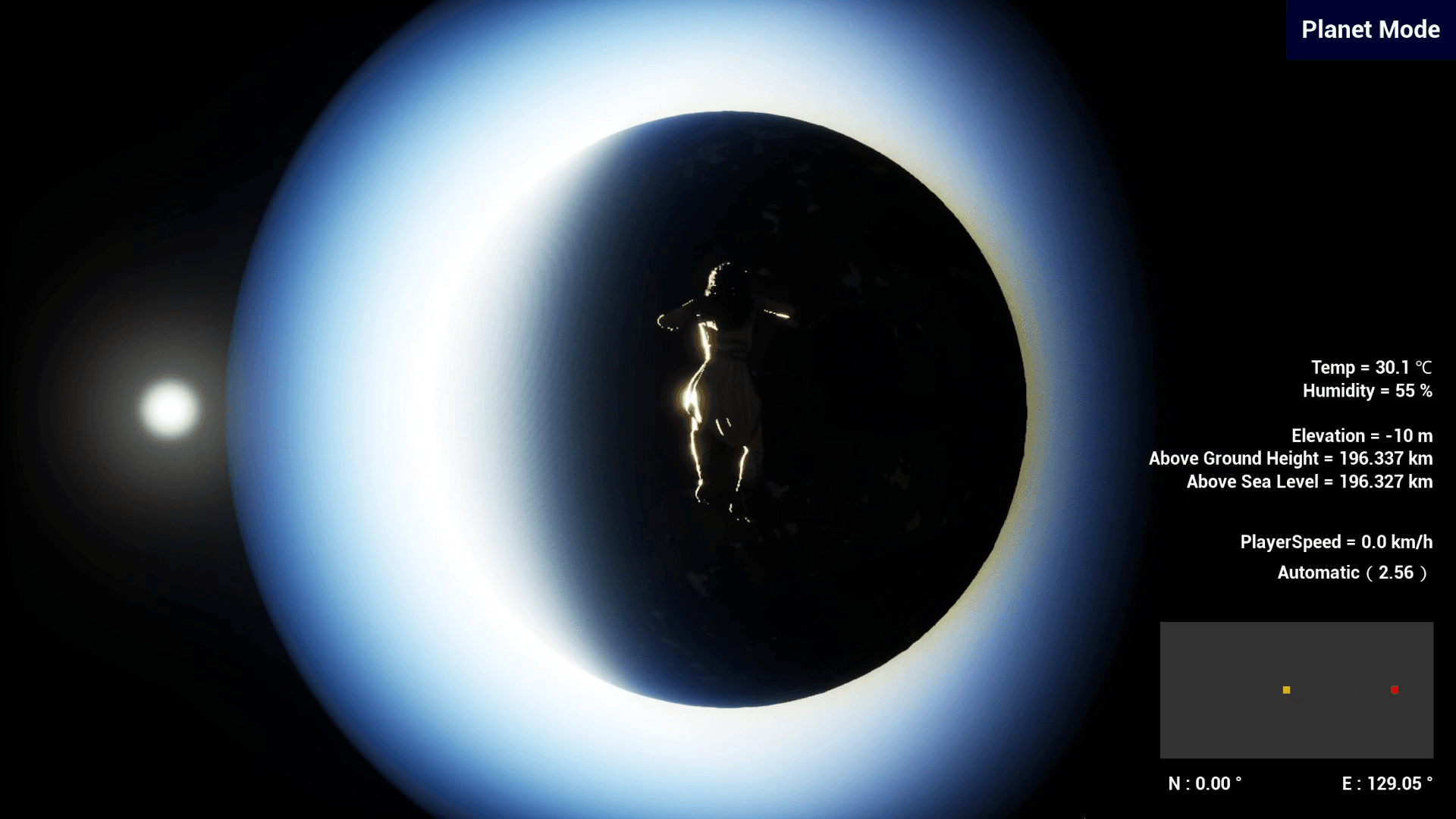
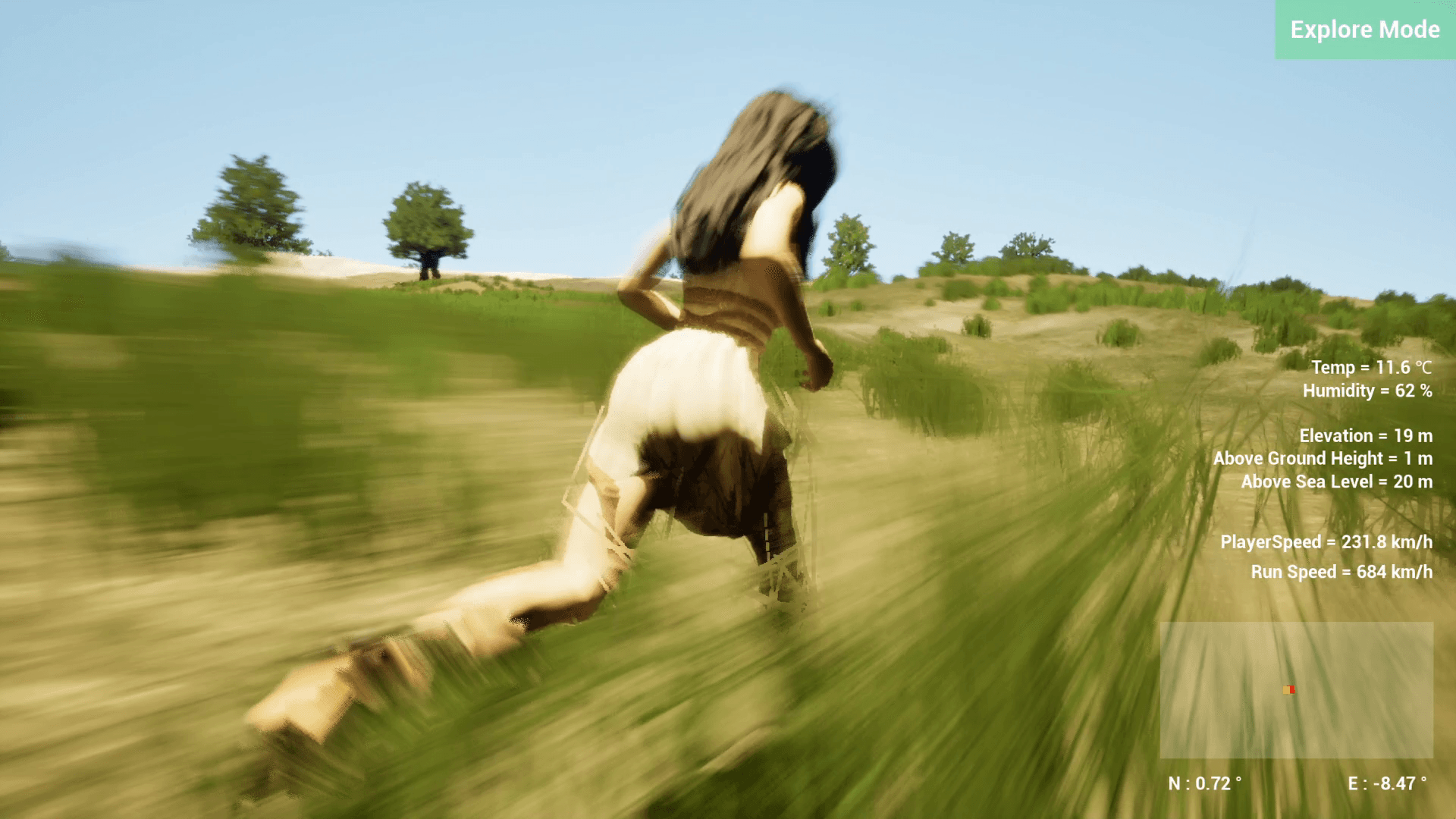
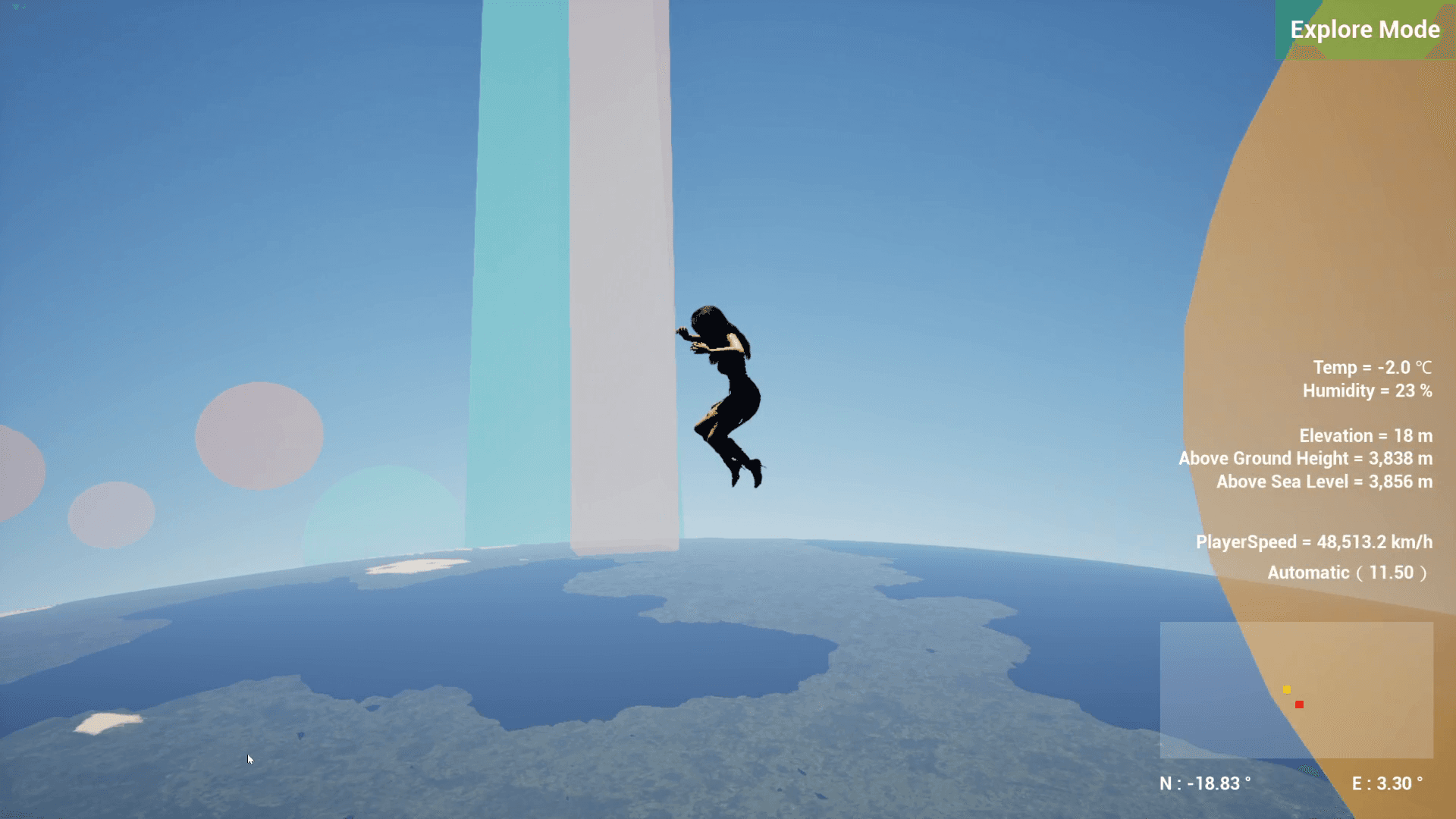
How To Play 1.The game begins from a view of outer space. 2.Open the Planet Editing UI. 3. Choose the type of planet you want to create. (NoiseType) 4.Experiment with different terrain combinations as well. (NoiseScale, NoiseIntensity, Seed) 5.Once you create a planet you like, move closer and observe it in detail. 6.Observe planets using two different modes: Planet Mode and Exploration Mode. 7.In Planet Mode, you can orbit around the planet and view it from above. 8.In Exploration Mode, you can freely travel across the planet by flying through the sky or walking along the surface. 9.Observe how the planets you created look both from outer space and from the surface. 10.※ If sudden FPS fluctuations cause the player to teleport inside or outside the planet and make it difficult to continue playing, please use the " Reset Position " button to restore the player's position. Features Planet Generation - Choose from 17 different planet types - Modify continent shapes through parameter customization - Advanced parameters allow terrain adjustments for specific planetary regions such as mountains, coastlines, plains, and oceans Observation Experience - Seamlessly travel from outer space down to the planet surface - Planet Mode” allows you to view the entire planet from orbit - Exploration Mode” lets you freely fly through the sky or walk across the surface - Movement speed in Exploration Mode can be increased for faster travel - Camera distance can be adjusted freely - Toggle character visibility on or off - Toggle cloud visibility on or off Exploration Support Features - Visualize your exploration location using markers - Marker color and size can be customized - Adjust the sun’s position directly from the UI - If you lose your location, you can quickly recover using the reset button Options & Configuration - Freely remap controls with customizable key bindings - Supports resolution changes, windowed mode, and fullscreen mode - (Please note that the screen may turn black for about 5 seconds during changes) - Adjust graphics quality settings to improve FPS Streaming Guidelines Please refer to the guidelines on the official website for the streaming and gameplay video policy. https://essence-of-human-game-creation.com/planetary-genesis-felis/streaming-guidelines/ Online Manual Please visit the URL below to view the online manual. https://essence-of-human-game-creation.com/planetary-genesis-felis/readme/
Inside the world



System requirements
Specifications are not available from the content feed for this edition. Check the publisher’s requirements ↗